Icon of a house with a layered orange and yellow gradient outline.

Home app

Multiple home automation devices displaying smart home control interfaces on a smartphone, tablet, and smartwatch.

The Foundation For A Smarter Home.

The Home app makes it easier to control all your smart home accessories — on all your Apple devices. It’s secure and protects your personal data. And with HomePod, HomePod mini, or Apple TV set up as the ultimate home hub, the Home app unlocks the full potential of your smart home.

Categories like Lights, Security, and Climate are at the top of the Home tab, giving you instant access to accessories and their status.
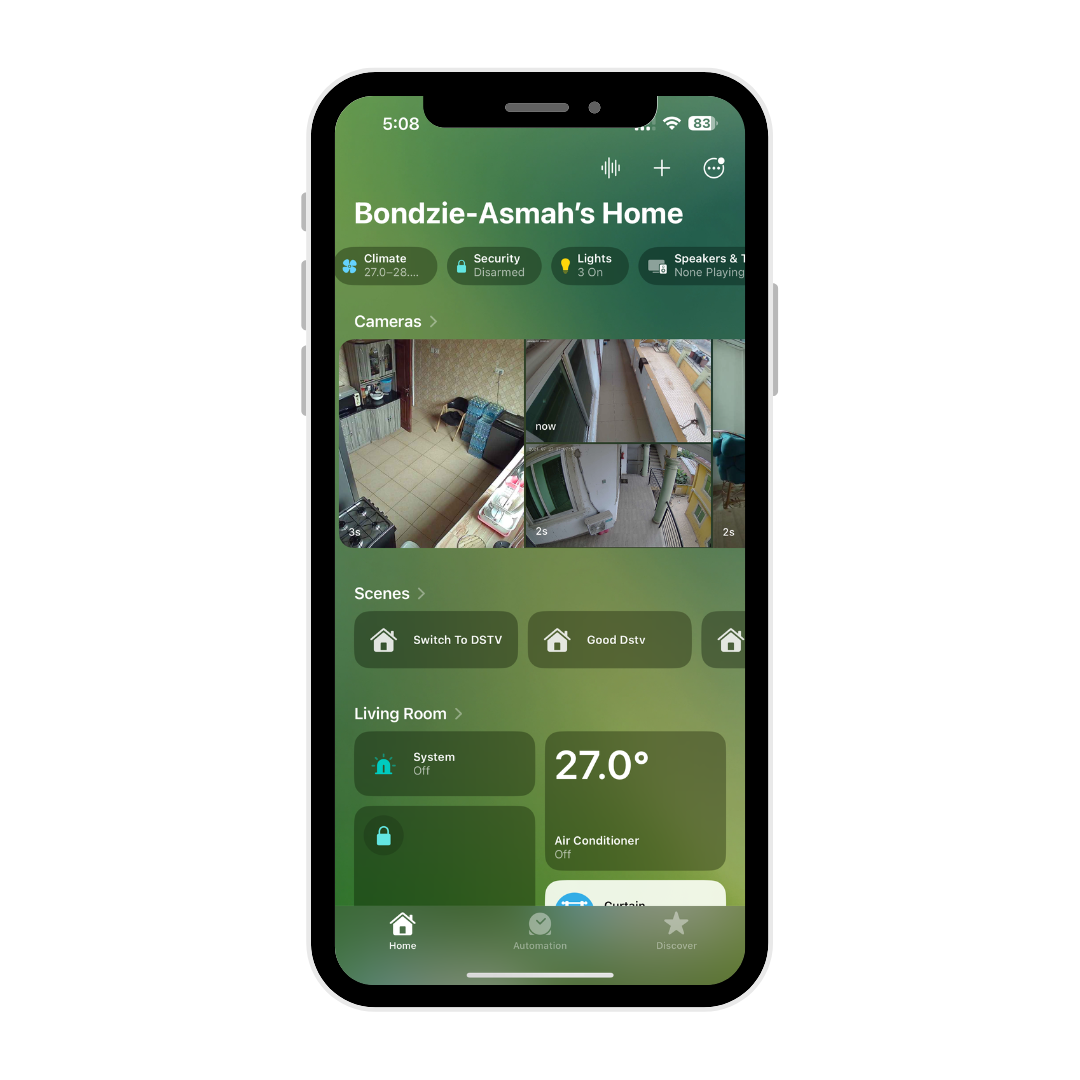
Smartphone screen showing a home security app with camera feeds of various rooms and controls for lights, security, and climate.
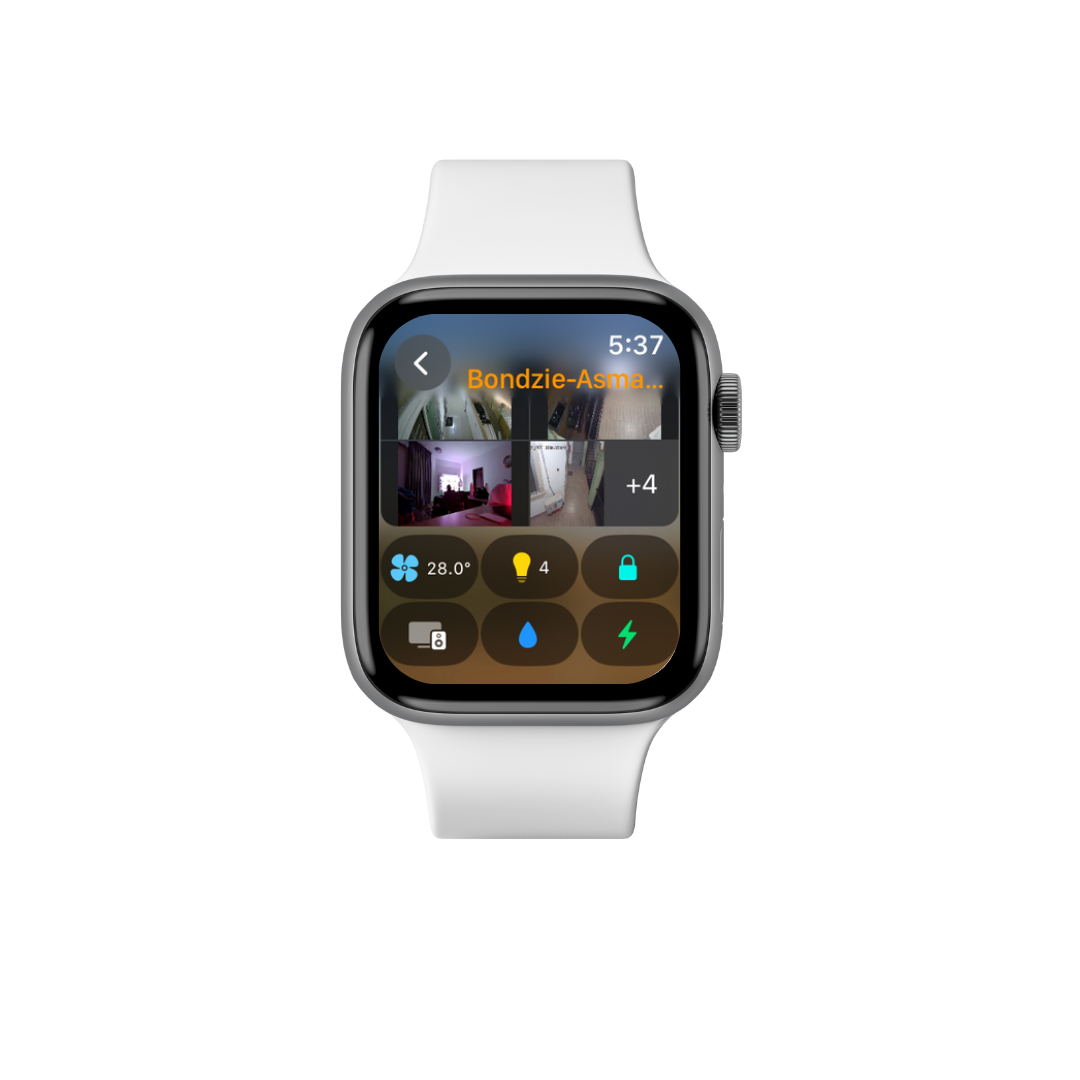
Apple Watch showing security camera footage, temperature, lights, locks, and other controls.
Smartphone screen displaying a home security app with live camera feeds from Bondzie-Asmah's home, showing multiple indoor and outdoor views, and controls for climate, security, and lighting.

View All cameras at once to quickly make sure each room is just as you left it.
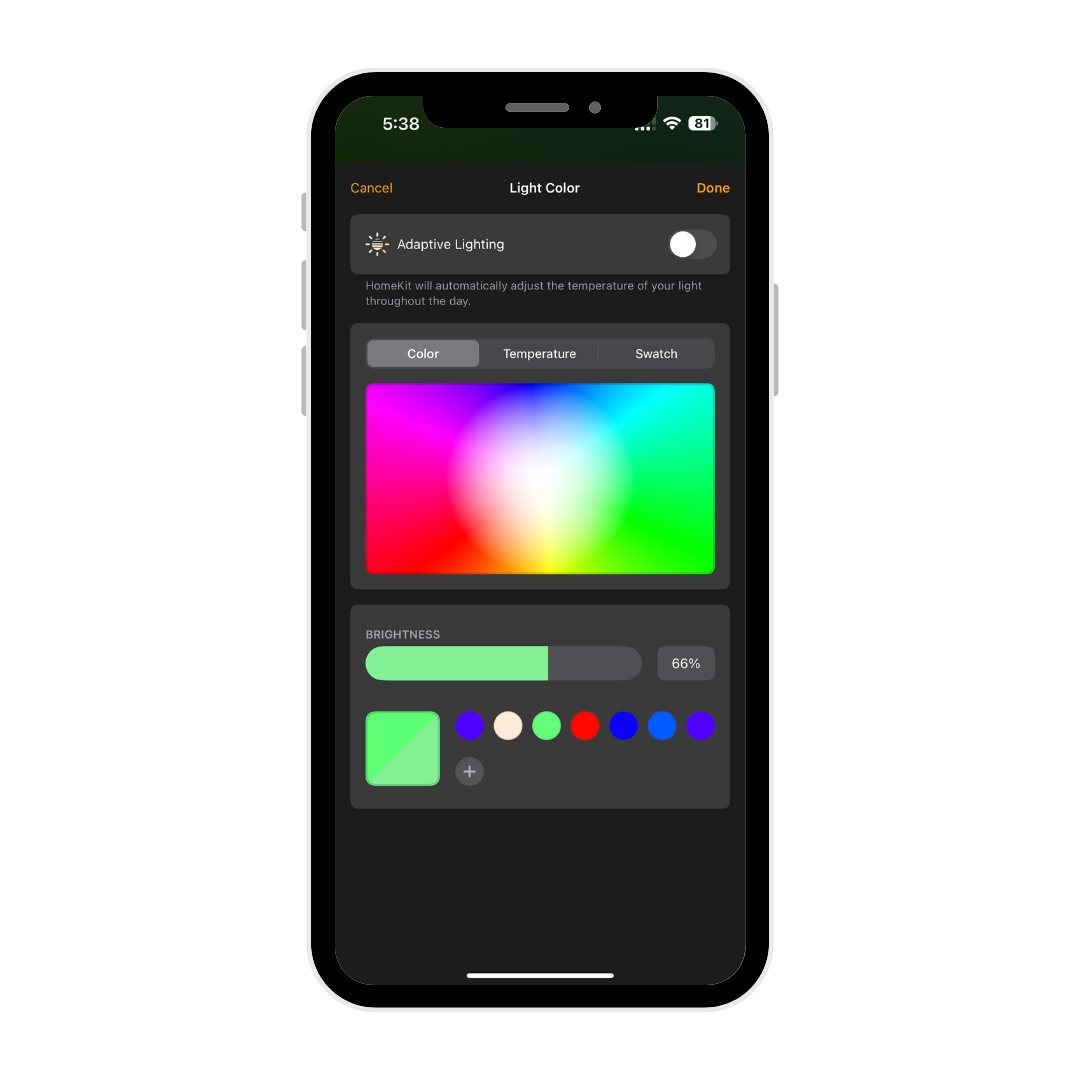
Smartphone screen displaying home lighting app with color wheel, brightness slider at 66%, and color options including standard colors and a custom color block.

Adaptive Lighting with millions of Colours helping you find the Mood you’re looking for.

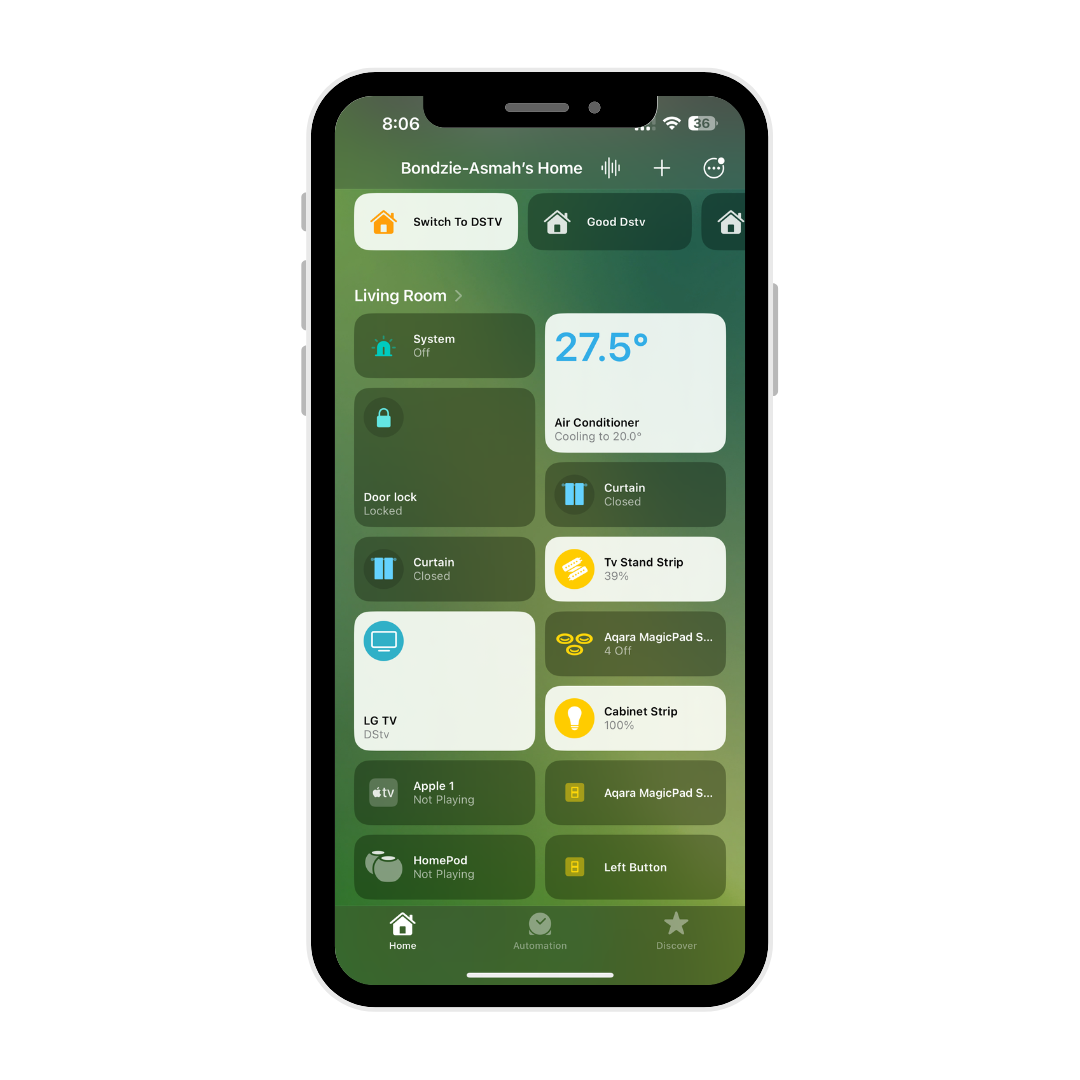
Rooms and Favorite Accessories are grouped in the Home tab, so you can easily view and control your smart devices.
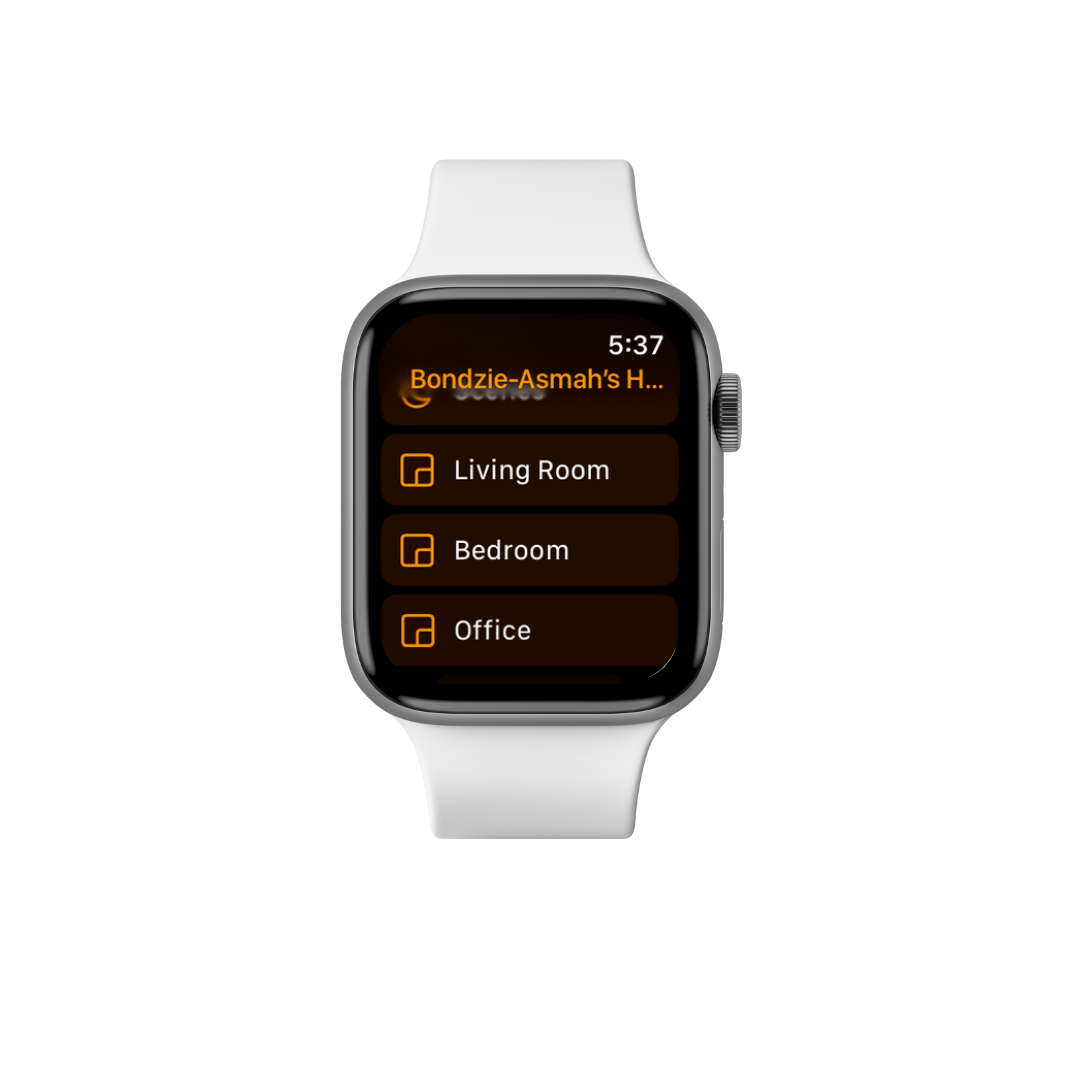
Apple Watch displaying a home automation app with options for Living Room, Bedroom, and Office.
Smartphone screen displaying a home automation app for Bondzie-Asmah's home, showing controls and status for various devices in the living room, including temperature, curtains, TV, and smart strips.